Feel
in control.
A trackball, a magnetic scroll ring and eight touch controls in one bar, run by feel. Print it from the production files, build it with the BIY Portal and tune it to your hand, or join the list for one built by the maker.
What does control feel like?
You stop looking down and you stop hunting for the button. In the first week you set O.R.B. up for your hand and its haptics teach your hand where everything is; after that the bar answers before the thought has finished, and the same habits carry from the laptop to the desktop to the tablet. That is the idea the whole thing is built around: a bridge between your reflexes and your machines, made to last as long as the habit does.
It is a relationship rather than a setup wizard. There is no quiz and no assistant talking you through it, just attention, a little time and probably some frustration up front, and then it pays you back every day. If you build it yourself, you already know it inside out before the first touch.
Eyes up.
Hands on.
Every control answers with its own haptic signature: sharp for click, soft for back, a double tap for talk, a small tick for each step of the ring. Two actuators are bonded to the underside of the face you touch, one under the click cluster and one under the navigation pads, so the answer comes back under the finger that asked for it.
On first power-up the bar runs the Handshake, six short exchanges by light and touch that set it to your hand without a screen or an app. From then on the haptics teach your hand the map, and the firmware keeps tightening that loop the longer you use it.
Why touch beats sound →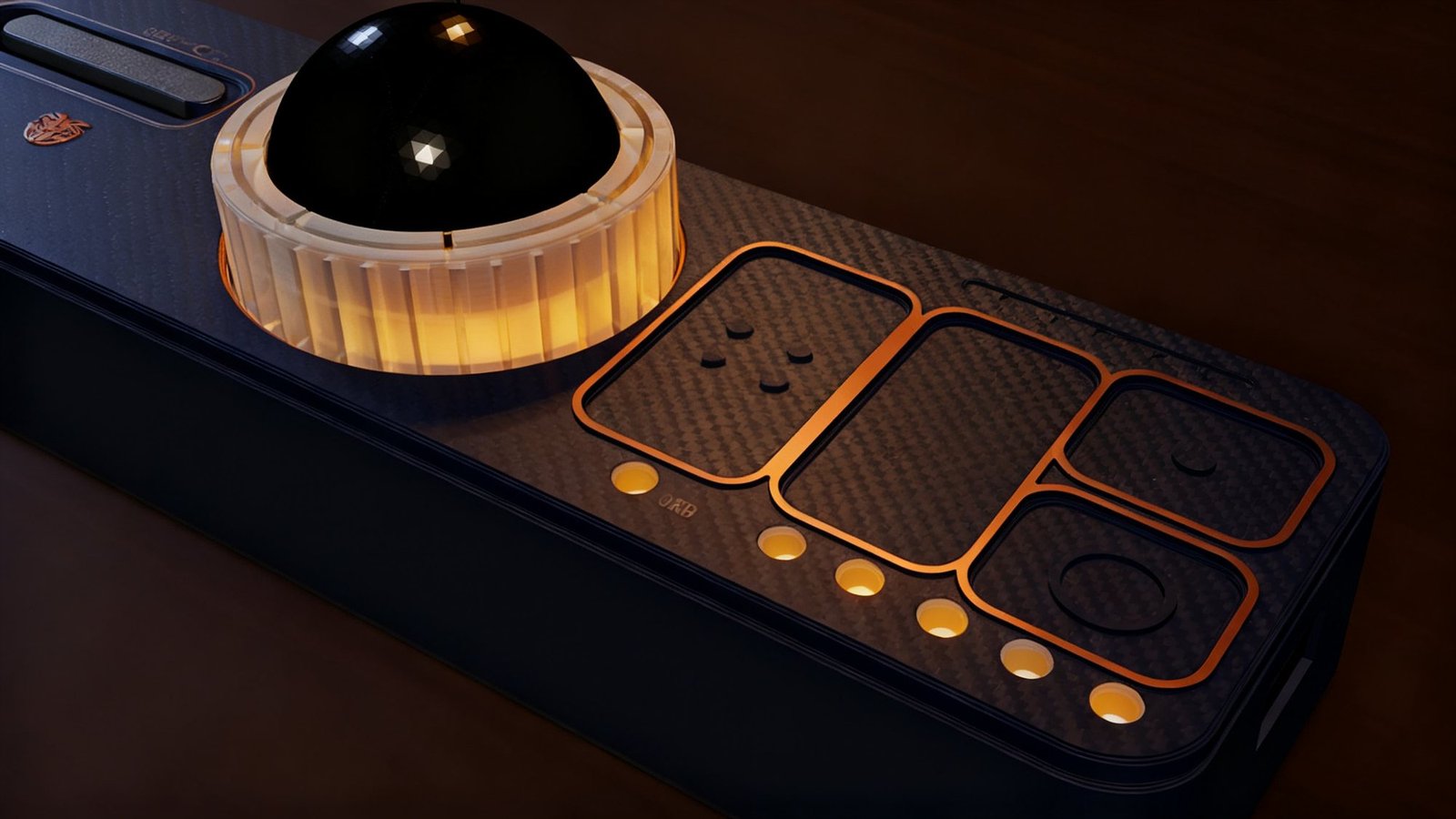
Five machines.
One bridge.
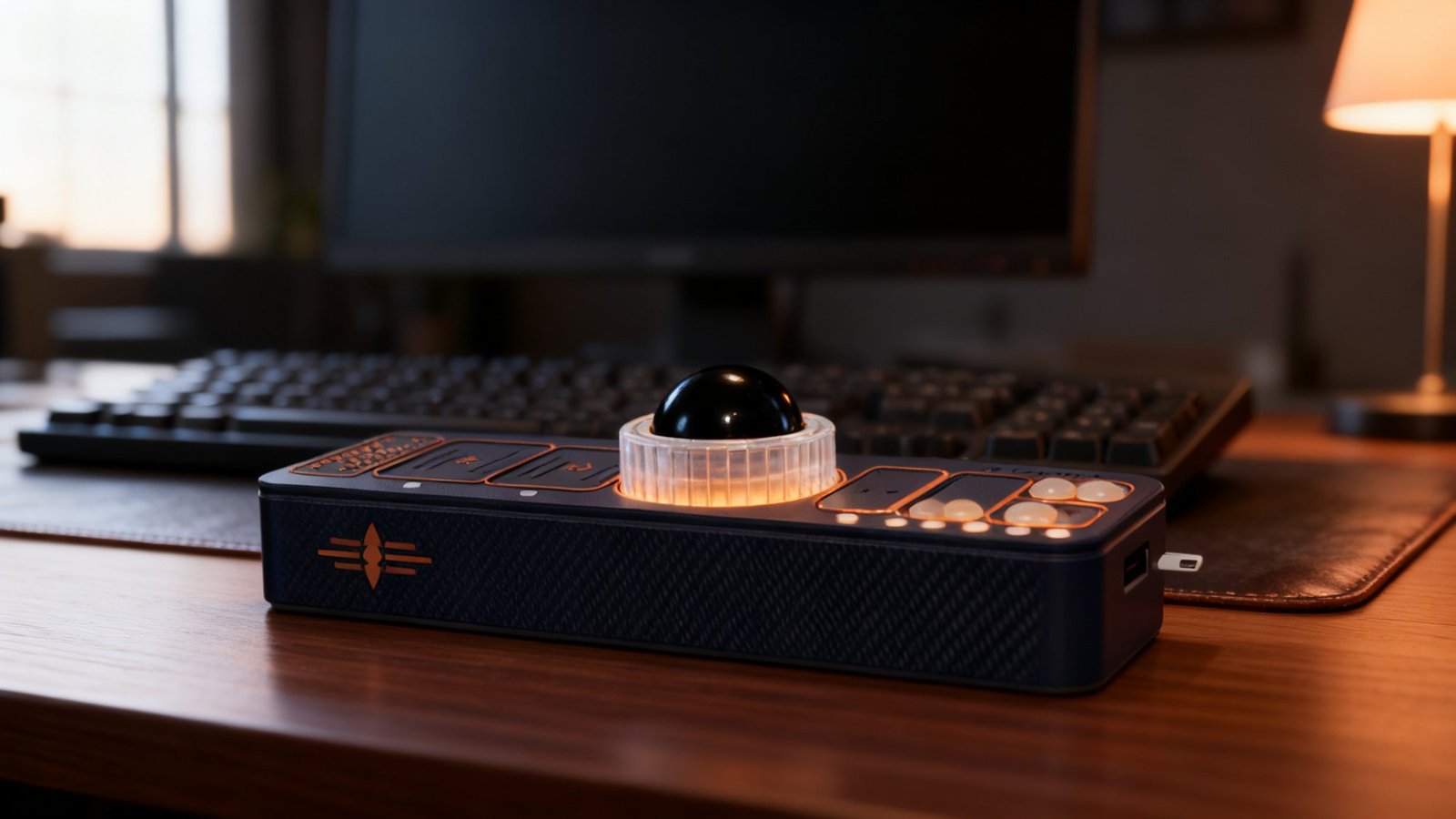
Pair it to five machines over Bluetooth and move between them without lifting your hand: hold the slider, turn the ring, and the amber halo counts you across. Laptop, desktop, tablet, the machine in the other room, all run by the same hand with the same habits. That is what the name means, Organic Reflex Bridge.
It weighs about a hundred grams, stands 21 millimetres tall, and is printed in carbon-fibre composite with copper marks, so it fits a jacket pocket and looks right on a good desk. Press the front or rear edge and it tips five degrees toward your hand or away, and clicks into place. USB-C charges it and runs it wired if you prefer, and the firmware is open, with no account, no cloud and no app behind it.
A ring read by magnets.
A ball on three bearings.
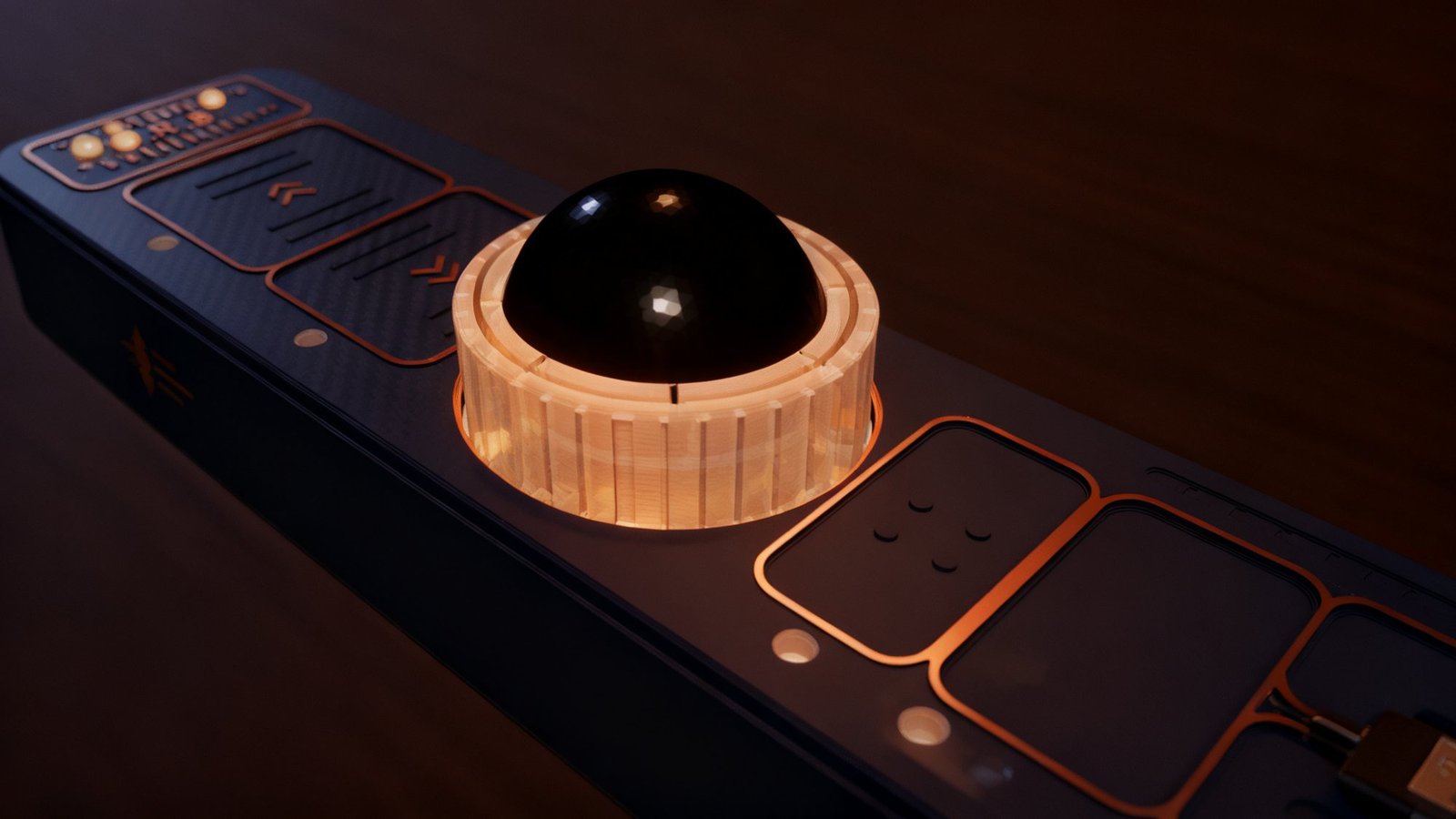
The scroll ring carries twelve magnets that two sensors read as it turns, so nothing inside the mechanism touches anything else: twenty-four steps a turn, and each step comes back as a tick under your finger. It spins on three small pads, and because the ring is clear, the six lights underneath it turn the whole ring into the halo.
Inside the ring, a 25-millimetre ball rides on three rolling bearings. Turn the bar over and the ball stays put; push it with a thumb and it pops out for cleaning. The face plate is held by magnets, so lifting it brings the ring and the ball assembly up with it and there is nothing to unscrew.
Good tech
should last.
A device that becomes part of how you move should not need replacing, so there is no switch in O.R.B. to wear out. The eight controls sit under one solid, copper-marked face with nothing to press, and the scroll ring is read by magnets rather than a gear.
You do not rebuy it, relearn it or retrain your hand every couple of years. If you built it, you can also service it: the face lifts off, every part is a file you own, and every revision lands in your portal at no charge.
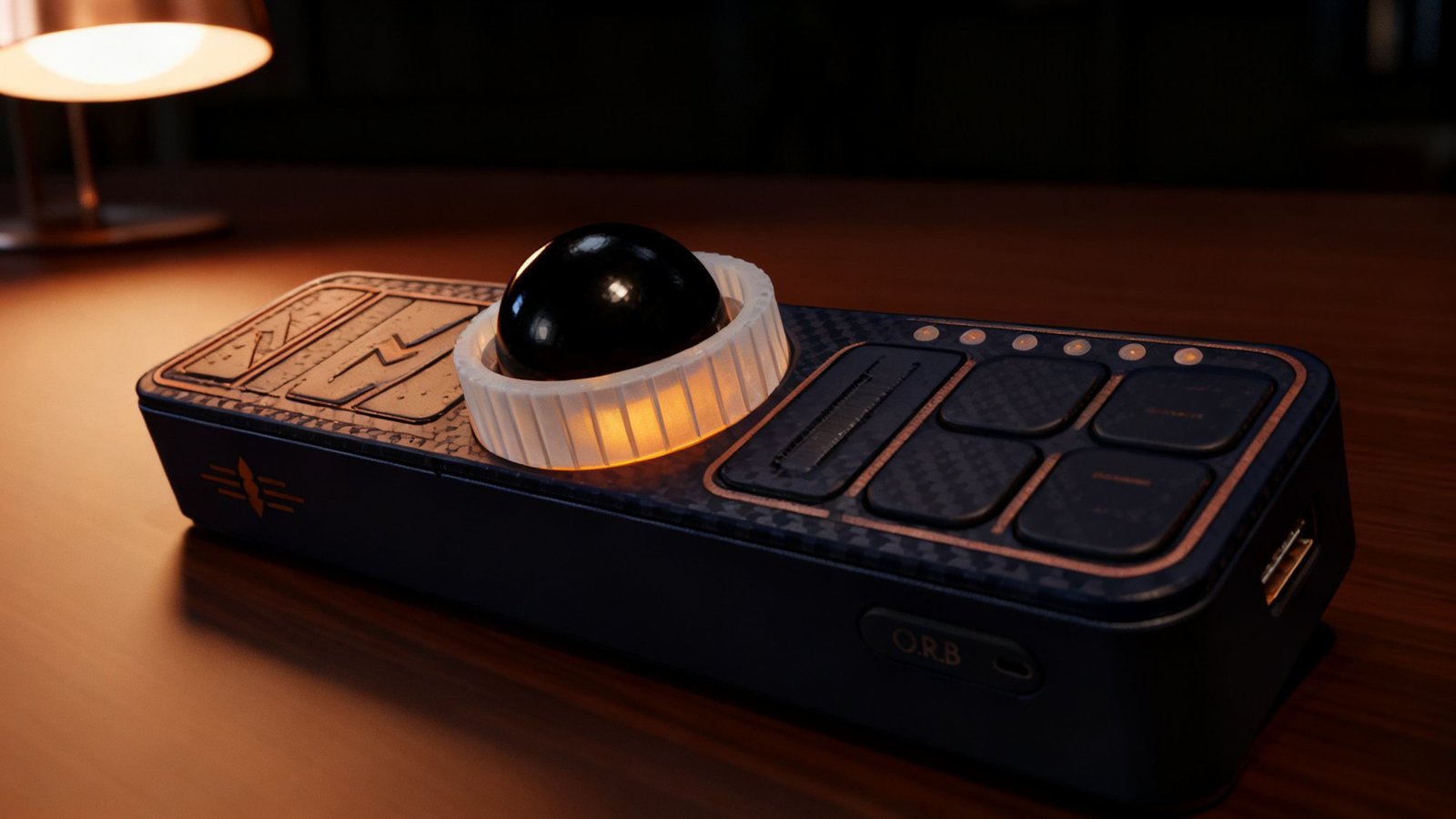
One colour of light.
Fourteen points of warm amber light: eight along the front edge under the zones and the slider, six in the halo under the clear ring. They breathe as your hand arrives, count your machines when you switch, and dim themselves on battery. There is no rainbow and nothing to configure.
Carbon-fibre composite, copper marks, flush inlays
Printed in carbon-reinforced PETG. The emblem and the O.R.B. mark are inlaid flush into the wall as a second colour, and the marks on the face and the flutes of the clear ring carry the copper. All nine prints come off the bed without a support.
Press an edge and it tips five degrees
The bar sits on a base with a rocker inside it. Press the front edge and it tips toward your hand and clicks; press the rear edge and it comes back, or tips the other way. Magnets hold each posture, and the base adds nothing to the height.
Geometry you can inspect
Every part is generated from code and passes 89 automated geometry checks before it prints. The BIY Portal is generated from the same code, so the guide cannot drift from the part, and the firmware is open.
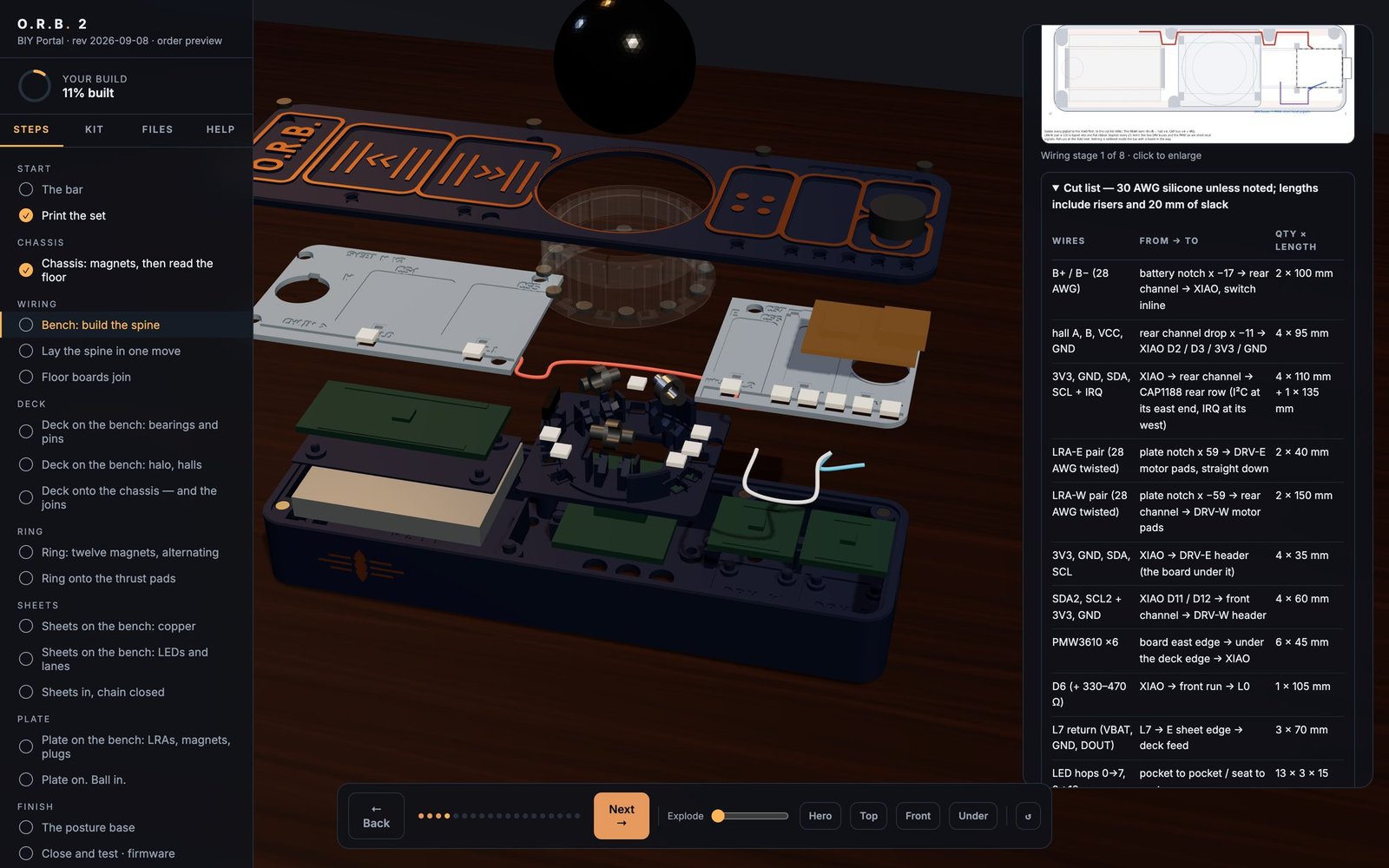
The BIY Portal.
Build it yourself. The nine production print files and an interactive 3D guide: click the bar and it comes apart, then eighteen steps fly the parts back in, draw the wiring in the order you will actually do it, and cut the wall away when you need to see inside. It comes with the bill of materials, the 1:1 copper template and the open firmware compiled and ready to flash, and every revision after yours is included.
Your portal link is on screen the moment you pay and in your inbox a minute later. The files are licensed for personal use and each one carries your order number.
Or have one built for you.
The maker prints, wires, tunes and finishes a small numbered run by hand. Join the list and you will hear when the next run is taking orders; the Build Edition comes with every unit.
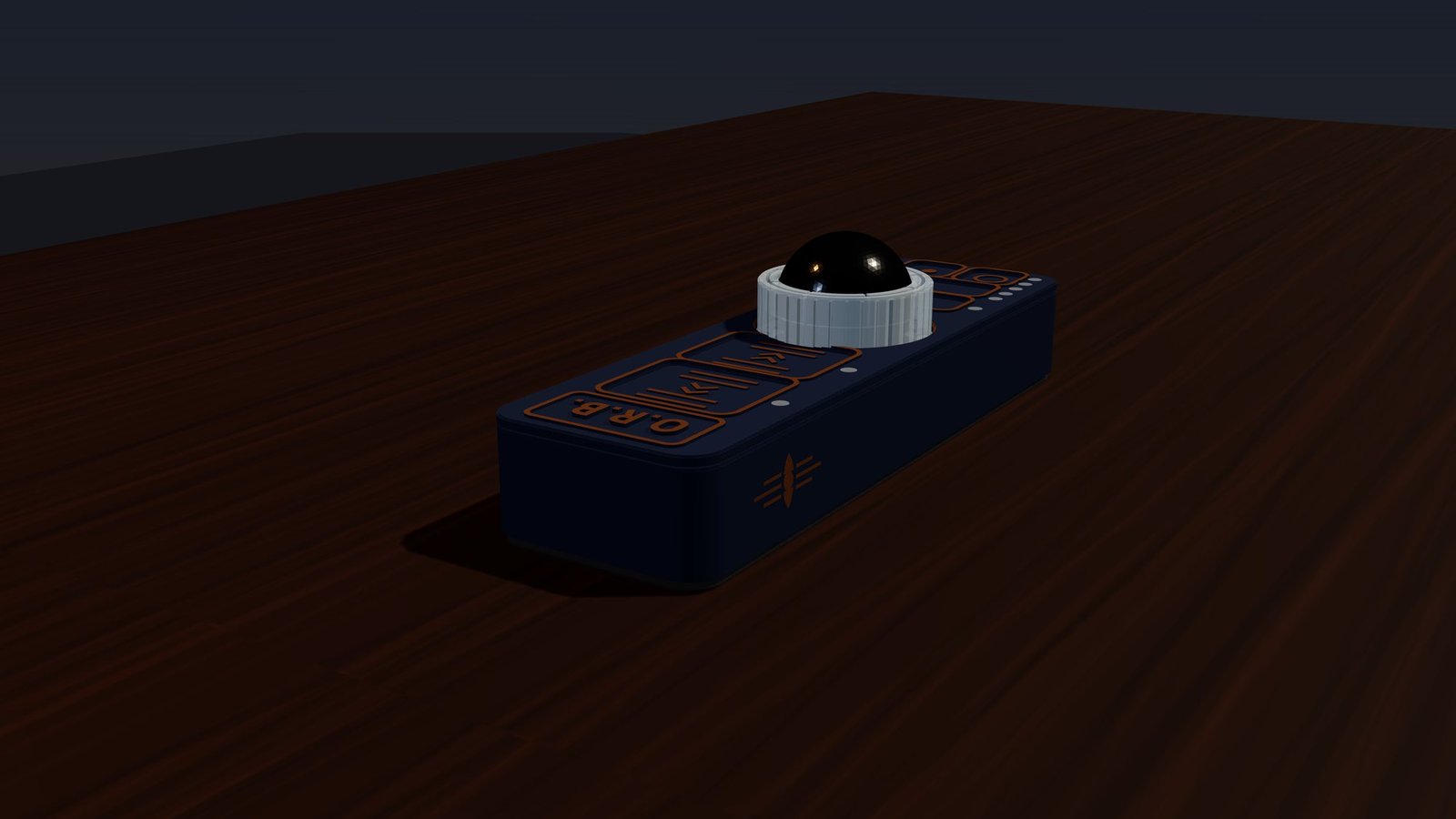
The full sheet.
O.R.B. 2 — Organic Reflex Bridge · production set 2026-09-05 TAP TO COLLAPSE
| Form | 135 × 40 × 21 mm bar on its posture base. Sits centred in front of the keyboard.measured |
| Mass | ≈ 100 g assembled.estimate |
| Body | Carbon-fibre-reinforced PETG chassis and face plate; emblem and wordmark as flush two-colour inlays; copper accents on the face marks and ring flutes. Nine printed parts, no supports.measured |
| Pointing | Ø25 mm ball on three rolling bearings in open cradles, read by an optical trackball sensor. Captive: it pops in and out through the ring's lip with thumb pressure.measured |
| Scroll | Magnetic ring in clear PETG: 12 magnets read by 2 sensors, 24 steps per turn, spinning on three pads and held down by the face plate. There is no encoder and no retaining nut.measured |
| Controls | Six capacitive zones (left, right, middle, back, forward, push-to-talk) and a two-pad slider on an eight-channel touch controller. Copper electrodes on printed sheets under the 1.6 mm face plate. Zero mechanical switches.measured |
| Haptics | Two coin actuators bonded to the underside of the face plate, one under the click cluster and one under the navigation pads, each on its own haptic driver. A distinct signature per control, fired in under 10 ms, and a small tick per ring step.designed |
| Light | 14 amber LEDs — 8 front-edge dots through clear plugs, 6 halo under the clear ring. Amber only; dims on battery.designed |
| Posture | Click-posture base: press an edge and the bar rocks 5° toward or away and clicks; magnet-held, three postures, inside the same 21 mm.designed |
| Face plate | Swappable — five magnet pairs and one pin; lifts off in seconds to clean the ball or change a face.designed |
| Motion | 6-axis IMU: wake on motion, lift-to-lock.designed |
| Wireless | Bluetooth Low Energy, up to 5 paired hosts, switched by hand.designed |
| Wired | USB-C — charging and wired HID.designed |
| Battery | 500 mAh protected lithium-polymer cell. Runtime will be published when it has been measured on a finished unit, and not before.estimate |
| Firmware | ZMK, open source, compiled for the O.R.B. 2 on a Bluetooth microcontroller module with an onboard motion sensor, as a shipping build and a bench test build. The Handshake sets the bar to your hand on first boot, and any zone, gesture or profile can be remapped without an account or a companion app. Bench bring-up on the first units is ongoing.designed |
| Coming in firmware | Precision mode (hold a zone to quarter the pointer speed; hold and turn the ring for a jog dial) · settings as plain text files over opt-in USB · left-hand mirror · push-to-talk as a USB microphone.roadmap |
| Build Edition | Kit R2.1: nine prints numbered in print order, bill of materials with links, 1:1 copper template, compiled firmware plus its source and build workflow, and the BIY Portal — an 18-step interactive 3D guide. Free updates for every revision.measured |
| Verification | Every printed part is generated from code and gated by 89 automated geometry checks before it prints.measured |
Every image on this page is a render of the production geometry, or an AI-lit image made from one; real photographs of the O.R.B. 2 follow as the first units are finished. Durability and reaction-time comparisons come from component and motor-control literature, not O.R.B. bench data. Read the science →
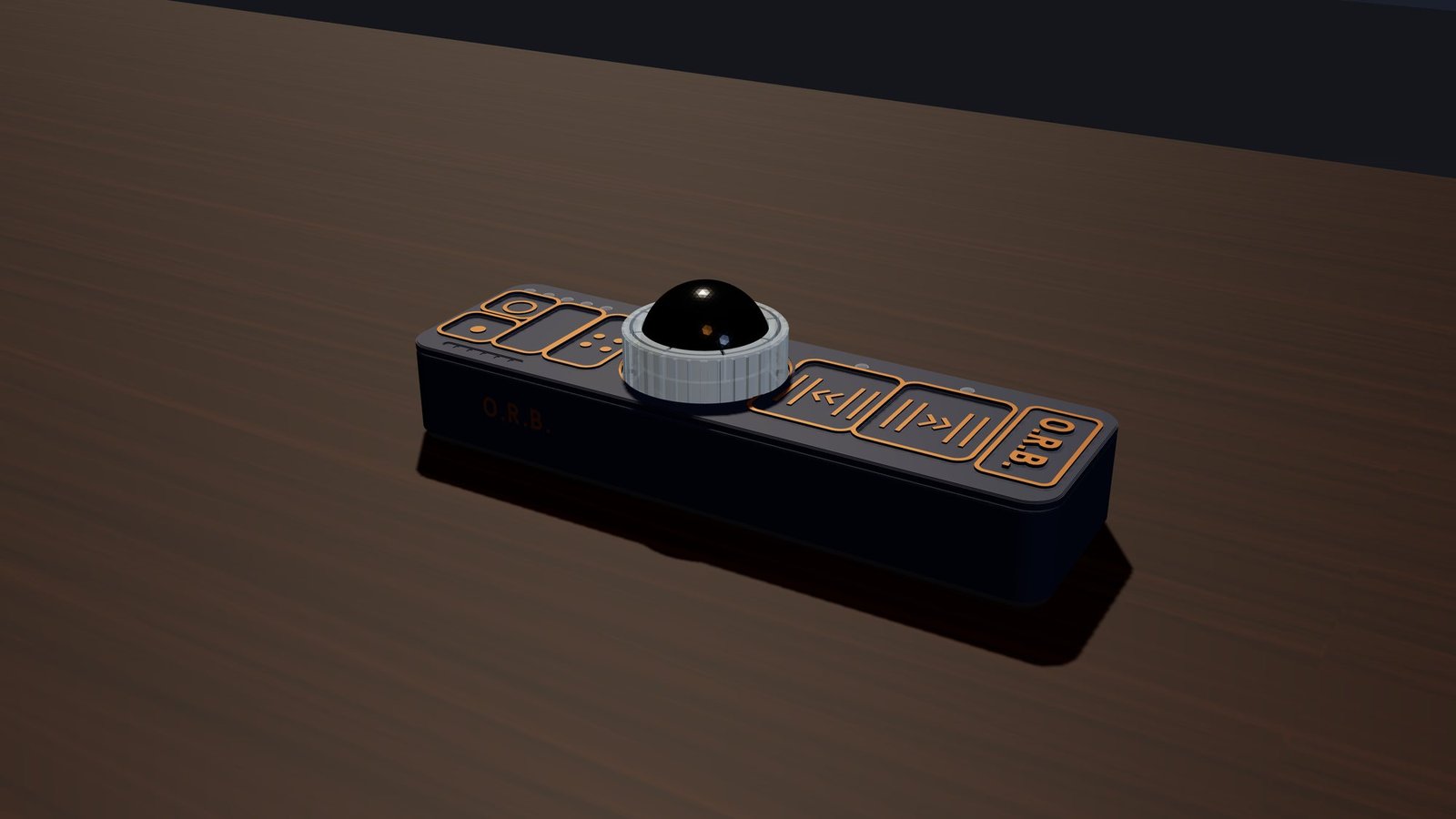
The build log.
Firmware releases as they land, the build log as it happens, and word of each custom-built run. If you are building one, this is where updates are announced before they reach your portal.
Build log, firmware releases, custom-build runs. Nothing else.